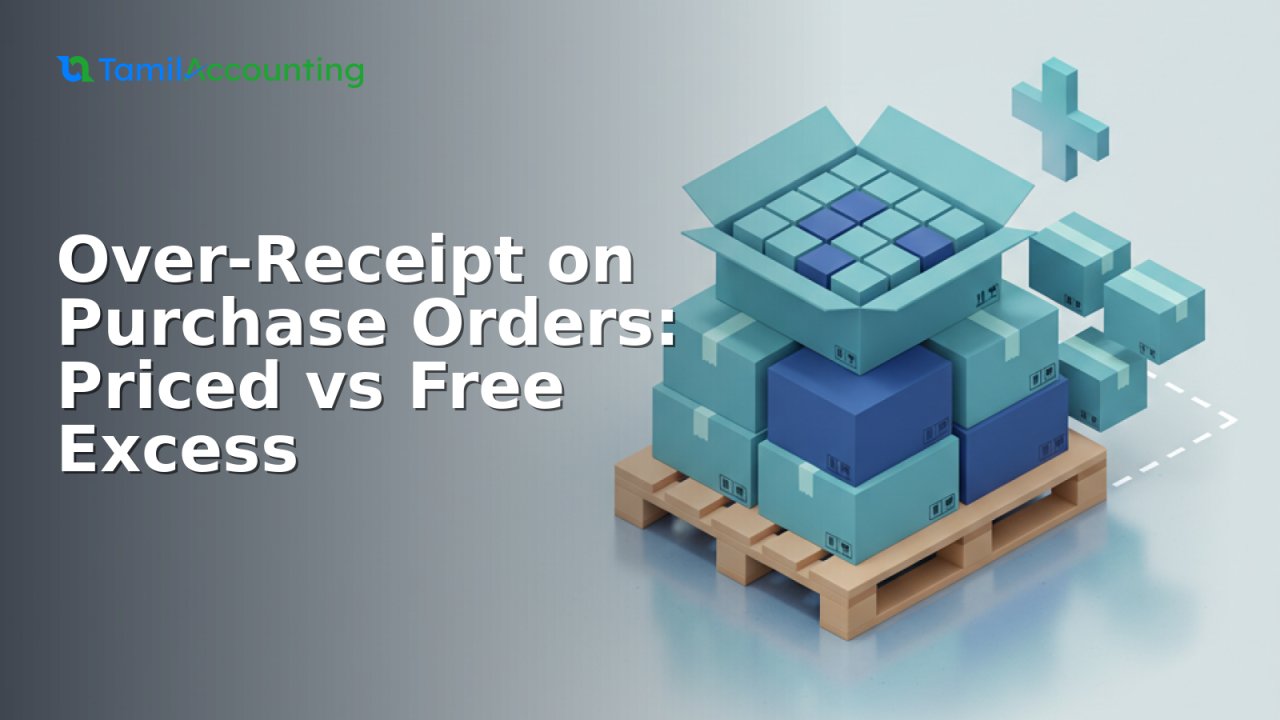
Suppliers rarely ship the exact quantity on your purchase order. A pallet rounds up, a case is added to make up for a short prior delivery, or a vendor throws in extras as a goodwill bonus. When the van arrives with more than you ordered, your goods received note has to capture the full delivery — and your inventory value and supplier bill still have to come out right. TamilAccounting handles this with a single decision at receipt time: how much of the over-delivery you actually pay for.
Two kinds of over-receipt
Receiving 110 against an order of 100 can mean two very different things for your books:
| Situation | What it means | Effect on your books |
|---|---|---|
| Priced excess | You ordered 100, received 110, and you are charged for all 110 at the agreed price. | The invoice covers 110 units; inventory value rises with them; your average cost is unchanged. |
| Free excess | You ordered 100, received 110, but the extra 10 are free (buy 100 get 10 free). | The invoice still covers only 100; all 110 enter stock; your moving-average cost drops. |
Turning on over-receipt
Out of the box, a goods received note will not let you receive more than the purchase-order line — this protects you from fat-finger errors. To allow over-receipts, open Setup → Company GL Setup and set Delivery Over-Receive Allowance to a value greater than zero. Once enabled, a receipt may exceed the ordered quantity. Leave it at zero and the original limit stands.
Recording it on the goods received note
On Purchasing → Receive Items on Purchase Order, each line now shows two quantity fields:
- This Delivery — the priced quantity: what you pay for and what the supplier invoice will bill.
- Free — additional units received on top, at no charge.
Free is additive, never subtractive. It never reduces the value of the line, and the price on the line is never edited. The only thing you decide is how many of the received units are free:
- Priced excess: put the whole quantity you pay for in This Delivery and leave Free at 0.
- Free excess: ordered 100, supplier ships 10 extra free → This Delivery = 100, Free = 10. You pay for 100; 110 land in stock.
The one rule that keeps your books correct
Units into stock = This Delivery (priced) + Free — but you only pay for the priced quantity. The receipt posts the priced value to your inventory and goods-clearing accounts, yet moves the total quantity into stock. The paid value is spread over more units, so the moving-average cost dilutes itself automatically. The later supplier invoice charges only the priced portion, and the clearing account nets to zero.
Worked example: 100 units ordered at $10
Scenario 1 — priced excess (This Delivery 110, Free 0)
You ordered 100, the supplier shipped 110, and you accept and pay for all of them.
| Step | Inventory | Goods Clearing | Payables |
|---|---|---|---|
| Goods received (110 priced) | +1,100 | −1,100 | |
| Supplier invoice (110 @ $10) | +1,100 | −1,100 | |
| Net | 1,100 | 0 | 1,100 |
Result: 110 in stock, inventory $1,100, average cost $10.00 (unchanged), invoice $1,100. Because every unit is charged at the same price, both the invoice and what you owe rise to $1,100, and the moving-average cost is untouched.
Scenario 2 — free excess (This Delivery 100, Free 10)
| Step | Inventory | Goods Clearing | Payables |
|---|---|---|---|
| Goods received (100 priced + 10 free) | +1,000 | −1,000 | |
| Supplier invoice (100 @ $10) | +1,000 | −1,000 | |
| Net | 1,000 | 0 | 1,000 |
Result: 110 in stock — the same quantity as Scenario 1 — but inventory of only $1,000, average cost $1,000 / 110 = $9.09, and an invoice of $1,000. Same 110 units received, yet you pay $100 less than the priced-excess case: the 10 free units cost nothing and pull the moving-average cost down.
A real-world receipt
Take a line received as 41 paid units plus 9 free, at a unit price of 550. The line total is 41 × 550 = 22,550 — Free does not turn it into 50 × 550. Stock still rises by the full 50 units, inventory is valued at 22,550, the average cost becomes 22,550 / 50 = 451, and the supplier invoice bills 22,550. A fully free receipt (This Delivery 0, Free N) posts no value, raises stock by N, and is never offered for invoicing.
What about the supplier invoice?
Nothing extra to do. When you raise the supplier invoice against the receipt, it defaults to the priced quantity only — 100 in the example, not 110. Once posted, the line closes; the free units were already settled at receipt. Over-invoice protection, outstanding-to-invoice figures, and the goods-received reports all stay correct with no extra steps.
Where to see the free quantity later
The Free column appears on the goods received note view and on the Outstanding GRN report, so the priced-versus-free split is always visible after the fact. Editing a receipt reloads the free figure on each line, and voiding one reverses stock and ledgers cleanly — because free units carry zero value, the reversal is symmetric and the average cost restores.
Frequently asked questions
Does entering Free reduce the amount I pay? No. Free is added on top of the priced quantity; the line value is always This Delivery × price.
Can I receive unlimited extra? Once the allowance is greater than zero, the receipt may exceed the ordered quantity. Set the allowance back to zero to re-impose the original limit.
Does this work with different units of measure? Yes. Free is entered in the same display unit as the line and stored in base units, so mapped-unit items behave correctly.
What happens to my average cost? Priced excess leaves it unchanged; free excess lowers it, because the same paid value now covers more units.